
Choose which payment methods your form accepts
Turn Stripe and PayPal on or off per form, enable ACH bank payments and mobile wallets, and control how the payment methods are laid out.
Each form decides what donors can pay with. Open the form and go to the Payment section.
If the section says the form doesn't collect payment, turn on Collect payment in Basics first.
Turn processors on or off
Under Payment methods you have a row per processor:
- Stripe handles cards, Apple Pay, Google Pay and ACH bank payments in one block.
- PayPal appears to donors as its own button.
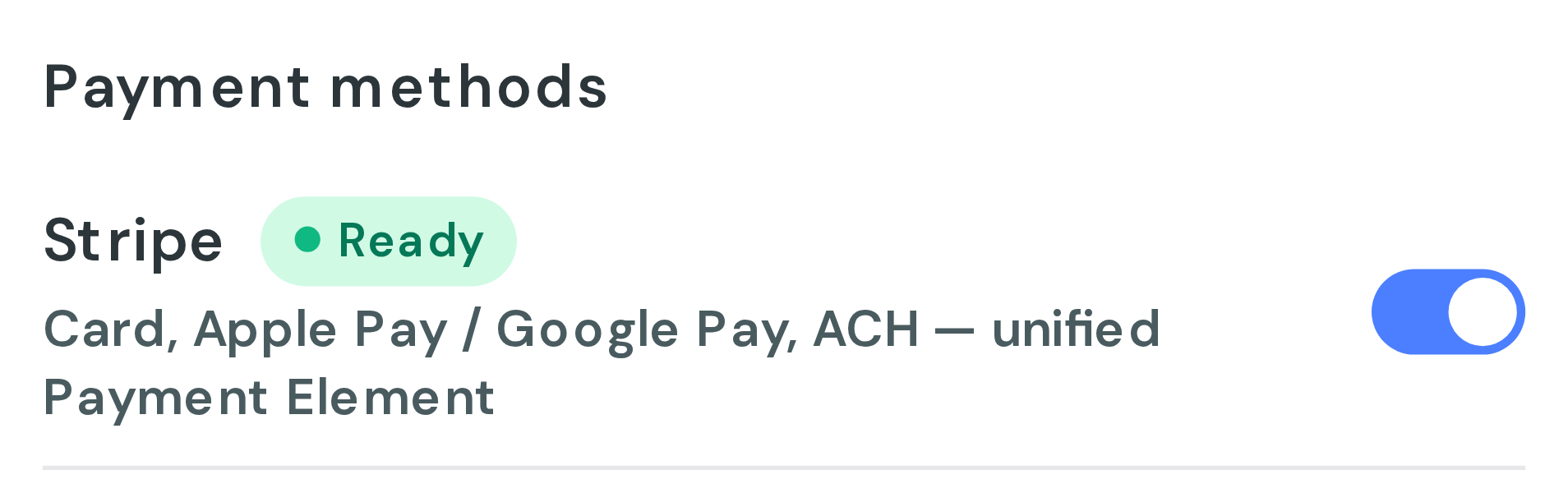
Each row shows a live status badge checked against your account. Ready means it can take donations. A row shown in red cannot process, so it cannot be switched on, and the Resolve in Settings → Payment Processors link goes to the place that fixes it.
Cash and check are not shown to donors. They are always available when you record a donation yourself from the dashboard.
Choose which Stripe methods to accept
Expand Advanced, then Stripe payment methods:
- Credit Card for card payments.
- US Bank Account for ACH bank transfers.
- Mobile Wallet for one-tap wallets, which appear inside the card block rather than as a separate button. Apple Pay, Google Pay and Link are covered by that one toggle.
Accepting ACH bank payments
Switch on US Bank Account. ACH must also be enabled on your Stripe account, which is a separate approval with Stripe rather than a Donately setting. If Stripe reports that ACH is unavailable or still pending, the builder says so beside the toggle.
Bank payments take several days to settle, unlike cards, so expect the donation to show as pending for a while.
Apple Pay and Google Pay
Wallets need your website's domain registered once for the account. The Payment section shows whether the current domain is registered, and registration itself happens in Settings → Payment Processors. See Accept Apple Pay and Google Pay on your donation forms.
Layout options
Two settings control presentation:
- Hide payment until an amount is entered keeps the payment fields collapsed until the donor picks or types an amount above $0.
- Payment method layout chooses between a stacked or horizontal arrangement, or Auto, which stacks once there are more than two methods.
Remember to publish
Payment changes save to your draft as you work. The live form does not change until you click Publish.